
.jpg)
When we immerse ourselves in the intense fight scenes of Spider-Man: Into the Spider-Verse or the heartwarming moments of Coco, beyond the plot and 3D modeling, 3D animation camera movement—this "invisible force"—is guiding our emotions. It is not just simple camera movement, but a "visual grammar" that weaves narratives through virtual lenses, endowing the virtual world with a realistic sense of breath.
The virtual camera in 3D animation boasts "unlimited freedom"—it can move through buildings and get up close to characters, elevating camera movement from a supporting tool to a core storyteller:
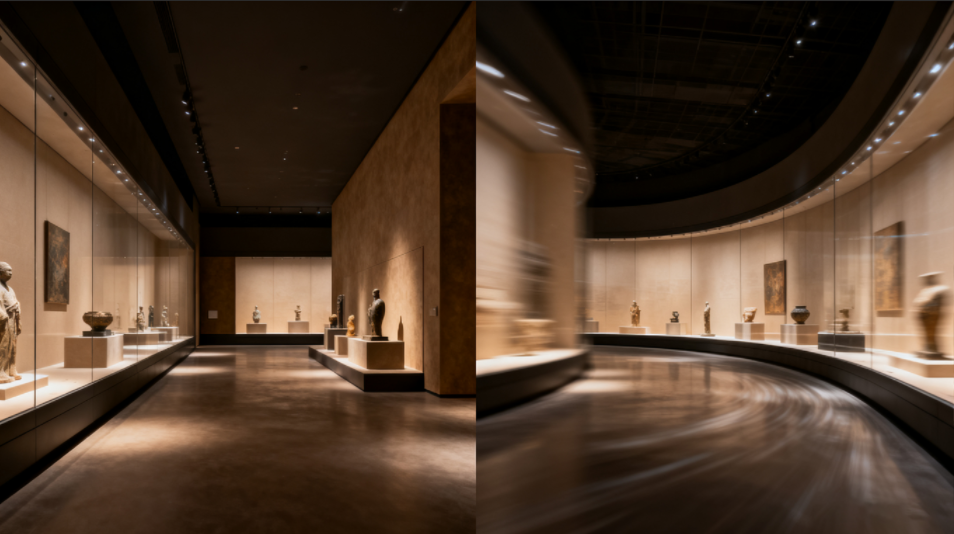
Camera movement transforms 3D space from a 'flat painting' to an 'immersive stage
1. Push-in Shot: Focus on Emotional ClimaxesThe camera moves from a distant to a close-up position, freezing the frame to highlight key emotional moments. For example, in Zootopia, the camera pushes in on Judy’s face to emphasize her determination.
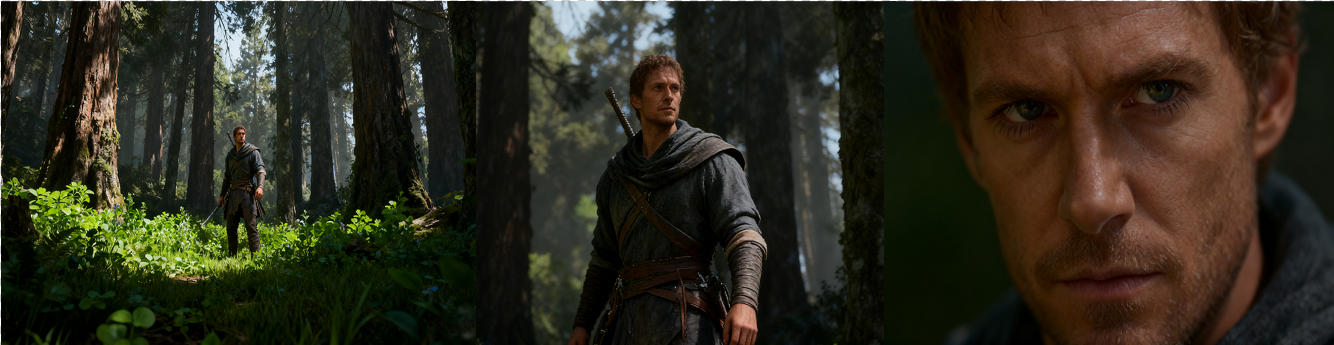
Dive Into Characters' Inner Worlds
The camera moves alongside the character, keeping them in the central frame. This shifts the audience’s perspective from "onlookers" to "participants" in the story. Stability must be controlled, and extra frame space should be reserved to prevent the character from moving out of the shot.

Follow Shot: Step Into the Story’s Adventure
The camera rotates 360 degrees to showcase character designs or scene structures. A slow pace suits aesthetically pleasing scenes, while a fast pace fits dynamic sequences (e.g., mecha transformations).
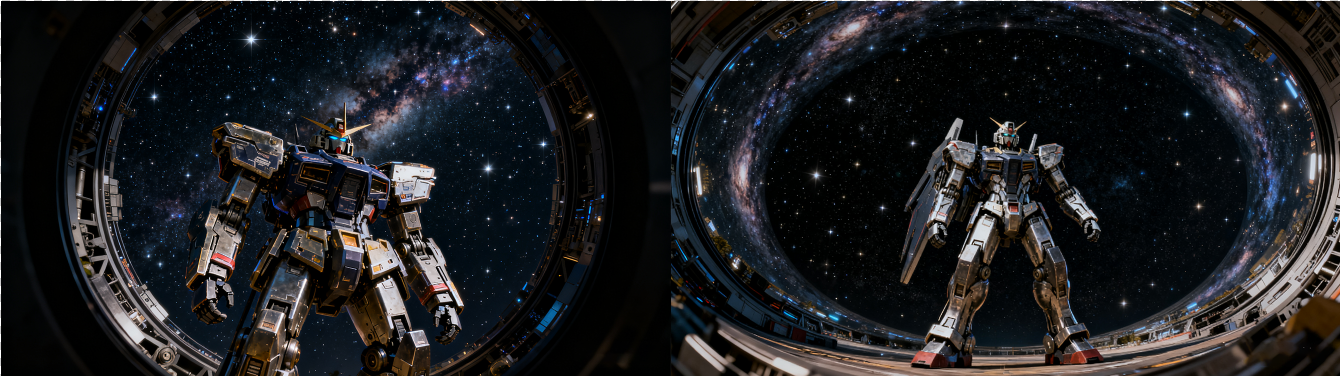
Circular Pan: 360° Display of Detail Aesthetics
The camera moves up and down. Rising shots present grand vistas (e.g., an aerial view of a city from above), while descending shots focus on micro-details (e.g., transitioning from a starry sky to a character on the ground). This technique is often used for scene transitions or narrative turning points.
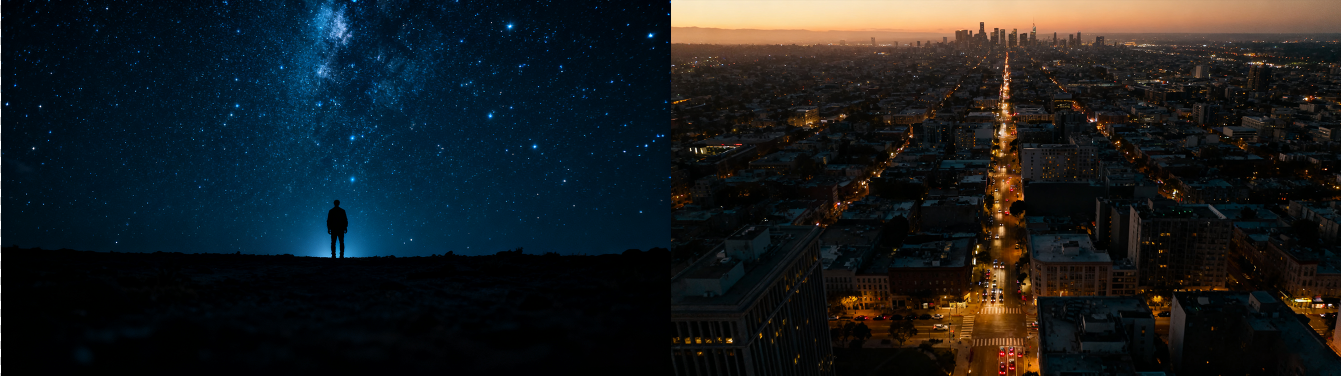
Drive Rhythm with Perspective

Camera Movement Must Fit the Atmosphere
Great camera movement "hides the technology," allowing the audience to focus on the story and emotions. In the future, combined with VR and AR, 3D animation camera movement will create more "boundary-breaking" experiences. If you need professional 3D animation services, please follow us—let’s bring your ideas to life through the language of lenses!
Contact Us
Leave your contact information, and we will arrange a representative to get in touch with you.