
.jpg)
In the creation system of 3D industrial design animation models, core technologies are the key support that determines the precision, simulation degree and expressiveness of the final works. These technologies are interlocking, from the construction of virtual models to the realization of dynamic effects, and then to the presentation of visual texture, jointly building the technical framework of industrial visualization and providing enterprises with accurate and efficient digital solutions.
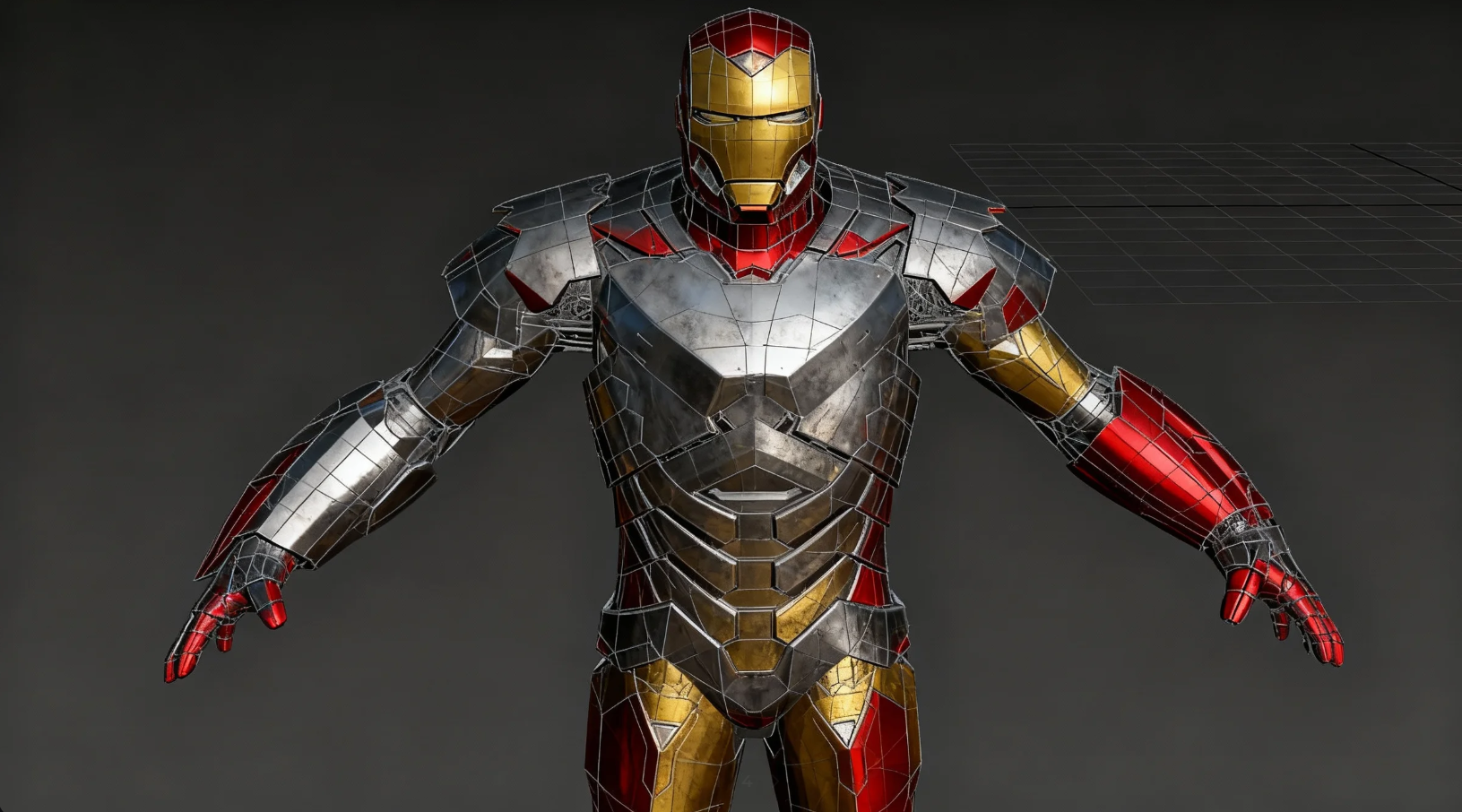
3D modeling is the basic link of 3D industrial design animation. Its core goal is to convert the physical properties (size, structure, material) of industrial products into accurate digital models, providing a "digital prototype" for subsequent animation and rendering. This technology not only requires restoring the external shape of the product, but also takes into account the logic of the internal structure and the feasibility of industrial production, which is the primary prerequisite for ensuring the "authenticity and credibility" of the animation.
Modeling requirements in the industrial field have extremely high precision requirements. Common professional software includes SolidWorks (focusing on mechanical structure modeling, compatible with industrial design drawings), 3ds Max (suitable for complex product appearance and assembly relationship modeling), Blender (open-source software supporting parametric modeling and subdivision surface technology), and Rhino (specializing in high-precision surface modeling, often used for complex surface products such as automobiles and aerospace).
In terms of technology selection, flexible collocation is made according to product types: mechanical products prefer "parametric modeling", which constructs models by setting dimensional parameters (such as hole diameter, wheelbase, wall thickness) to facilitate subsequent modification and iteration; for appearance products, "polygonal modeling + subdivision surface" technology is commonly used, which can not only ensure the smoothness of the shape, but also control the model precision through subdivision levels, balancing rendering efficiency and visual effect.
The modeling precision of industrial animation directly affects the enterprise's product verification and display effect. In the modeling process, the technical team will strictly follow the CAD drawing dimensions (the error must be controlled within 0.1mm) to ensure a 1:1 match between the model and the physical object; at the same time, refine key details (such as gear meshing structure, pipeline interface, screw texture) — for example, in the modeling of mechanical transmission components, the tooth profile parameters (module, pressure angle) and meshing clearance of gears will be restored to provide a structural basis for the subsequent animation to simulate real movement.
In addition, the "model topology structure" will be planned in advance during the modeling stage to avoid redundant faces or unreasonable wiring, ensuring that the model will not have broken faces during subsequent animation deformation (such as component disassembly, motion collision) and improving rendering speed.
The modeling link is not only about "shape", but also needs to endow the model with basic material attributes (such as metal reflectivity, plastic transparency, rubber elastic coefficient). The technical team will preset parameters based on the physical characteristics of real materials through the "material editor" in the software — for example, set "high reflection + low diffuse reflection" attributes for stainless steel components, and "refraction + reflection blur" effects for glass windows. These basic attributes will lay the foundation for the texture presentation in the subsequent rendering stage, avoiding disconnection between later material adjustment and model structure.
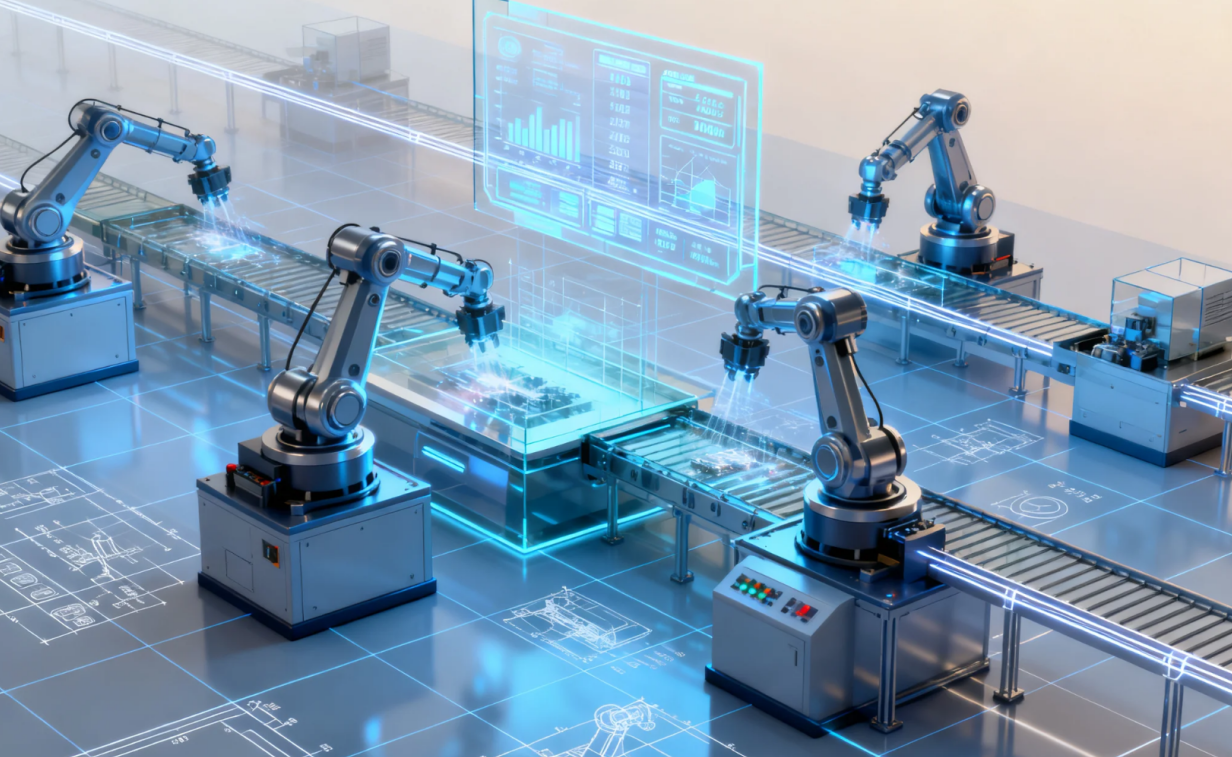
If modeling is "shaping", then animation design is "endowing soul". One of the core needs of 3D industrial design animation is to simulate the real motion state of industrial products (such as mechanical transmission, component assembly, equipment operation). Therefore, animation design technology not only needs to realize "dynamic effects", but also follow industrial motion logic to ensure that every action conforms to physical laws and product working principles.
Keyframe animation is one of the core technologies of industrial animation. Its principle is to set the model state (position, rotation angle, scaling ratio) at "key time points", and the software automatically calculates the motion trajectory of intermediate frames. In industrial scenarios, keyframe animation is often used to precisely control the movement of mechanical components — for example, when simulating the reciprocating motion of engine pistons, the technical team will set keyframes at the "top dead center" and "bottom dead center", and adjust the motion curve (such as "ease-in-ease-out" curve to simulate the acceleration change of the piston) to avoid stiff motion.
For complex assembly animations (such as gear meshing in automobile gearboxes), "layered keyframe" technology is also adopted: first set the motion keyframes of the driving gear, then associate the driven gear through "parent-child relationship" to ensure that the speed of the driven gear strictly matches the driving gear (conforming to the transmission ratio law) and restore the real mechanical transmission logic.
Path animation technology is widely used in the simulation of industrial production processes (such as assembly line transportation, robotic arm handling). The technical team will first draw a "motion path" (such as a straight line, arc, custom curve), then bind the model (such as workpieces on the assembly line, grippers at the end of the robotic arm) to the path, and set parameters such as motion speed and pause time.
For example, when simulating an automated production line, a path animation of "grabbing - lifting - translating - placing" will be set for the robotic arm, and "path constraint" will be used to ensure that the end of the robotic arm is always aligned with the workpiece to avoid motion deviation; for multiple workpieces on the assembly line, "copy keyframe + time offset" technology will be used to realize the continuous motion of workpieces with uniform intervals, restoring the rhythm of a real production line.
For scenarios involving physical collision and gravity (such as component falling, equipment vibration, fluid flow), simple keyframe or path animation is difficult to simulate real effects, so physics engine technology is needed. Common physics engines include NVIDIA PhysX, Bullet, etc., which can automatically calculate the motion state of the model based on physical laws (gravity, friction, elasticity).
Typical applications of physics engines in industrial animation include: simulating "fitting collision" during the assembly of mechanical components (such as thread engagement resistance when screws are screwed into screw holes), simulating "component falling off" when equipment fails (such as eccentric rotation and collision of the rotor after motor bearing damage), and simulating fluid flow in pipelines (such as pressure transmission of oil in hydraulic systems). Through the physics engine, the animation is not only more visually realistic, but also can assist enterprises in verifying the collision resistance and fluid dynamics characteristics of products, realizing the value of "animation as simulation".
For industrial products with flexible structures or multi-joint motion (such as robotic arm joints, conveyor belts, foldable equipment), "rigging" technology is needed to achieve flexible motion. The technical team will first create a "skeleton system" for the model (such as the "upper arm - forearm - wrist" skeleton chain of the robotic arm), then bind the "mesh surface" of the model to the skeleton, and drive the model to produce corresponding deformation by controlling the rotation and movement of the skeleton.
For example, when simulating a foldable industrial robot, rigging can ensure the smooth transition of the model surface at the joints, avoiding wrinkles or fractures; at the same time, "weight painting" technology is used to precisely control the influence range of the skeleton on different areas of the model (such as high weight at the joints and low weight away from the joints), making the motion more in line with the rigid characteristics of the mechanical structure, different from the flexible skeleton effect in film and television animation.
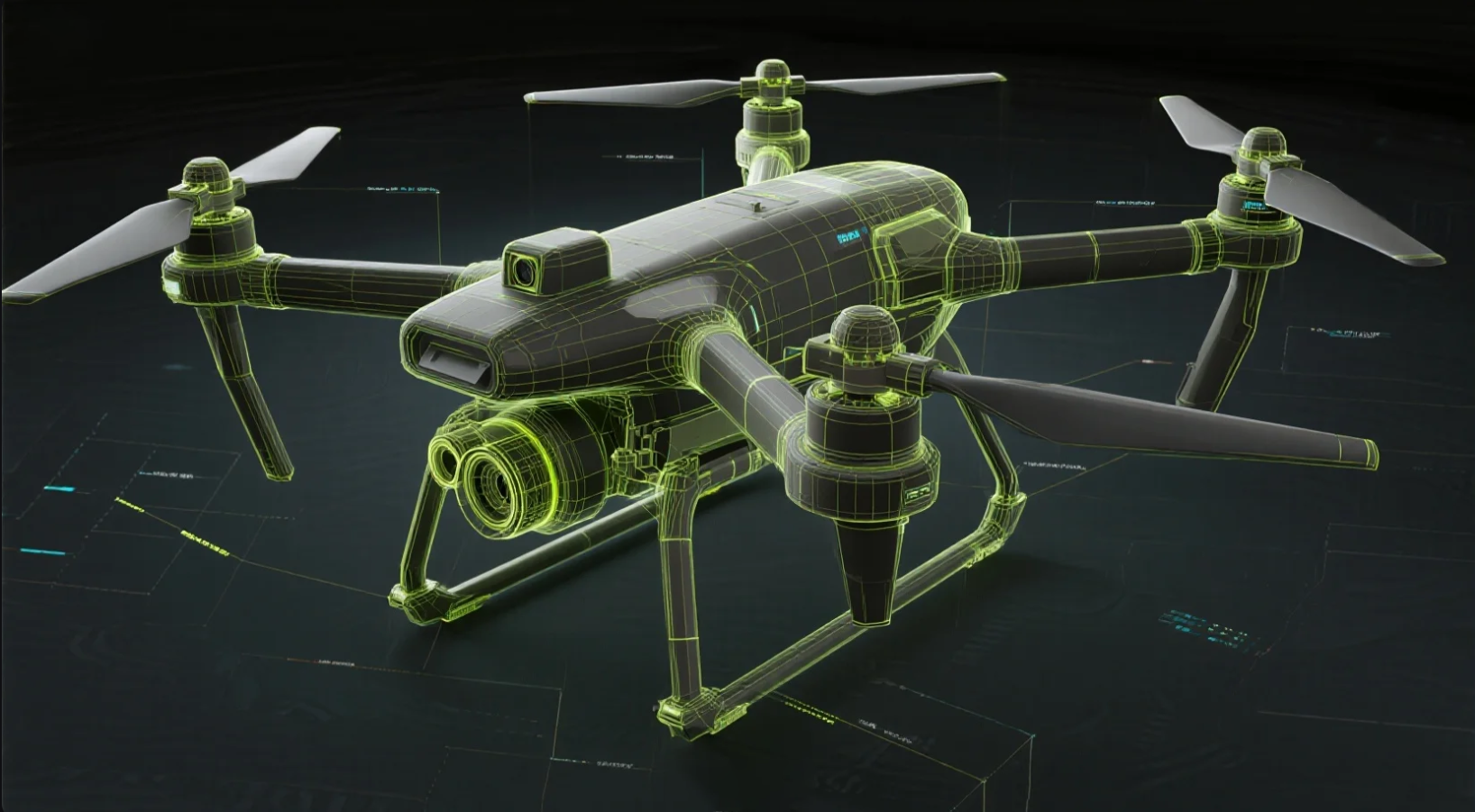
Rendering is the "final process" of 3D industrial design animation. Its core is to convert 3D scenes (models, materials, lighting) into 2D images or videos, presenting visual effects consistent with the real industrial environment through light and shadow calculation, material performance, and environment simulation. Excellent rendering technology can not only improve the ornamental value of the animation, but also help enterprises clearly show the details, materials and functional advantages of products.
In the creation of 3D industrial design animation, the three core technologies of 3D modeling, animation design and rendering are interlocking, jointly determining the precision and expressiveness of the work, and providing technical support for industrial visualization.
3D modeling converts the physical properties of industrial products into accurate digital models, which is the premise of the authenticity and credibility of the animation.
1.Software and technology selection: Common software includes SolidWorks (mechanical structure), 3ds Max (complex assembly), Blender (open-source parametric), Rhino (high-precision surface); parametric modeling is selected for mechanical products, and "polygon + subdivision surface" technology is used for appearance products.
2.Precision and details: Follow CAD drawings (error ≤ 0.1mm), restore details such as gear meshing and pipeline interfaces, and plan the model topology structure to avoid animation broken faces.
3.Material presetting: Endow basic attributes through the material editor, such as "high reflection + low diffuse reflection" for stainless steel and "refraction + reflection blur" for glass, laying the foundation for rendering.
Animation design needs to follow industrial motion logic to simulate the real motion state of products.
1.Keyframe animation: Set the model state at key time points, automatically calculate the intermediate trajectory, and use "layered keyframes" for complex assembly to ensure that the motion matches the transmission law.
2.Path animation: Draw motion paths to bind models, set speed and pause, and simulate linear motions such as assembly lines and robotic arm handling.
3.Physics engine: Use NVIDIA PhysX, Bullet, etc. to simulate collision, gravity, and fluid flow, realizing "animation as simulation".
4.Rigging: Create a skeleton system to bind the model mesh, control deformation through weight painting, and adapt to the motion of multi-joint industrial products.
Rendering converts 3D scenes into 2D images, creating photo-realistic industrial visual effects.
1.Engine selection: Arnold (high-precision slow rendering), V-Ray (balance between precision and speed), Redshift (GPU-accelerated long animation), Enscape (real-time preview).
2.Light and shadow processing: Layered lighting (key light, fill light, ambient light, special effect light) to restore real lighting in the industrial environment.
3.Material rendering: Use PBR materials, displacement maps, and transparent refraction effects to present the physical characteristics of materials.
4.Post-optimization: Improve the consistency and applicability of the picture through color correction, detail enhancement, special effect addition, and format adaptation.
The three core technologies of 3D industrial design animation do not exist independently, but form a collaborative closed loop of "modeling - animation - rendering": the precision of modeling determines the rationality of animation motion, the logic of animation provides dynamic scenes for rendering, and the texture of rendering perfectly presents the results of modeling and animation. This collaboration can not only meet the enterprise's demand for "visualization display", but also realize extended values such as "design verification, process optimization, and training teaching" through technical depth, becoming a key tool in the digital transformation of industry.
Contact Us
Leave your contact information, and we will arrange a representative to get in touch with you.